

Can I use an app instead of a paper logbook?
Yes. The SIM says that applicants who use a digital device instead of a traditional paper logbook must make sure it contains the required information, including a signature verification. Each instructor, S&TA, examiner or board member who verifies a license requirement reviews and verifies the jumps logged in the digital device. USPA's own jump log FAQ says you may use a paper logbook or a log app that supports all the required information.
What every logged jump must contain
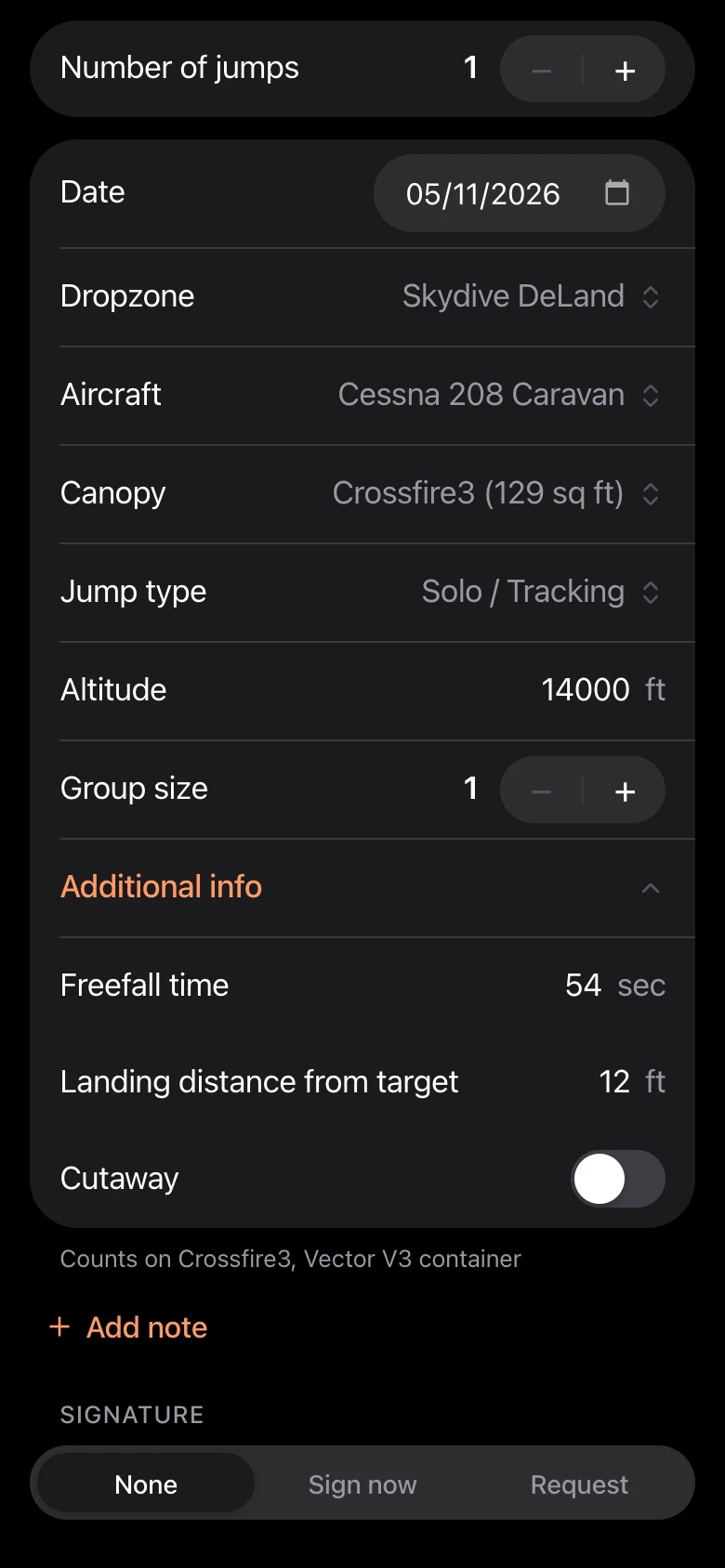
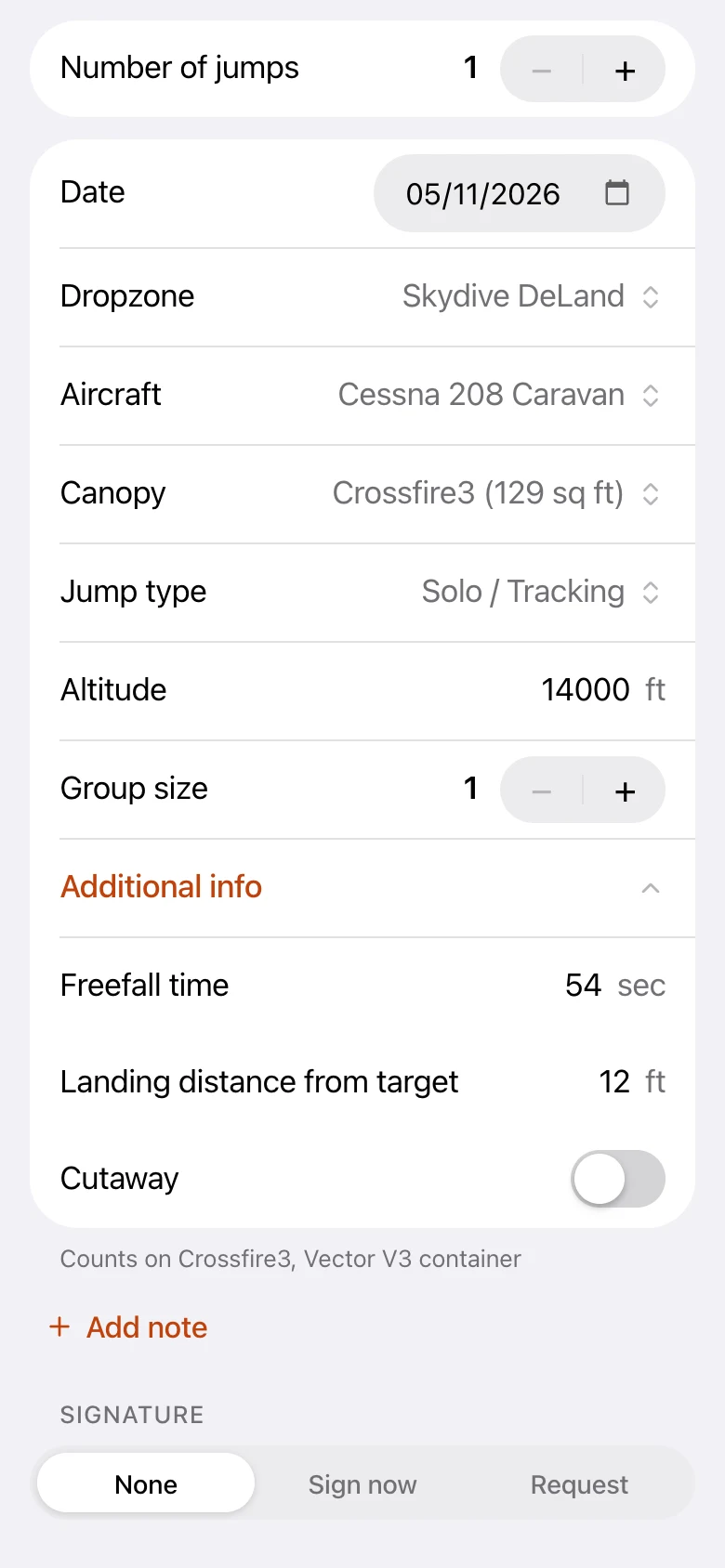
SIM 3-1 asks for jumps to be recorded legibly and in chronological order, with these details for each one. Here is where each lives in Loggbok.
- Jump number: counted for you, in order, and kept in sync across your devices.
- Date: set for every jump, so the logbook is always chronological.
- Location: the dropzone, picked from a list or added by you.
- Exit altitude: logged in feet or meters.
- Freefall time: enter the actual time, or tap the USPA estimate for your exit altitude.
- Type of jump: for example formation skydiving, freeflying or canopy formation.
- Landing distance from the target: optional, for jumps where it applies.
- Equipment used: the canopy you flew, with jump counts per canopy and lineset.
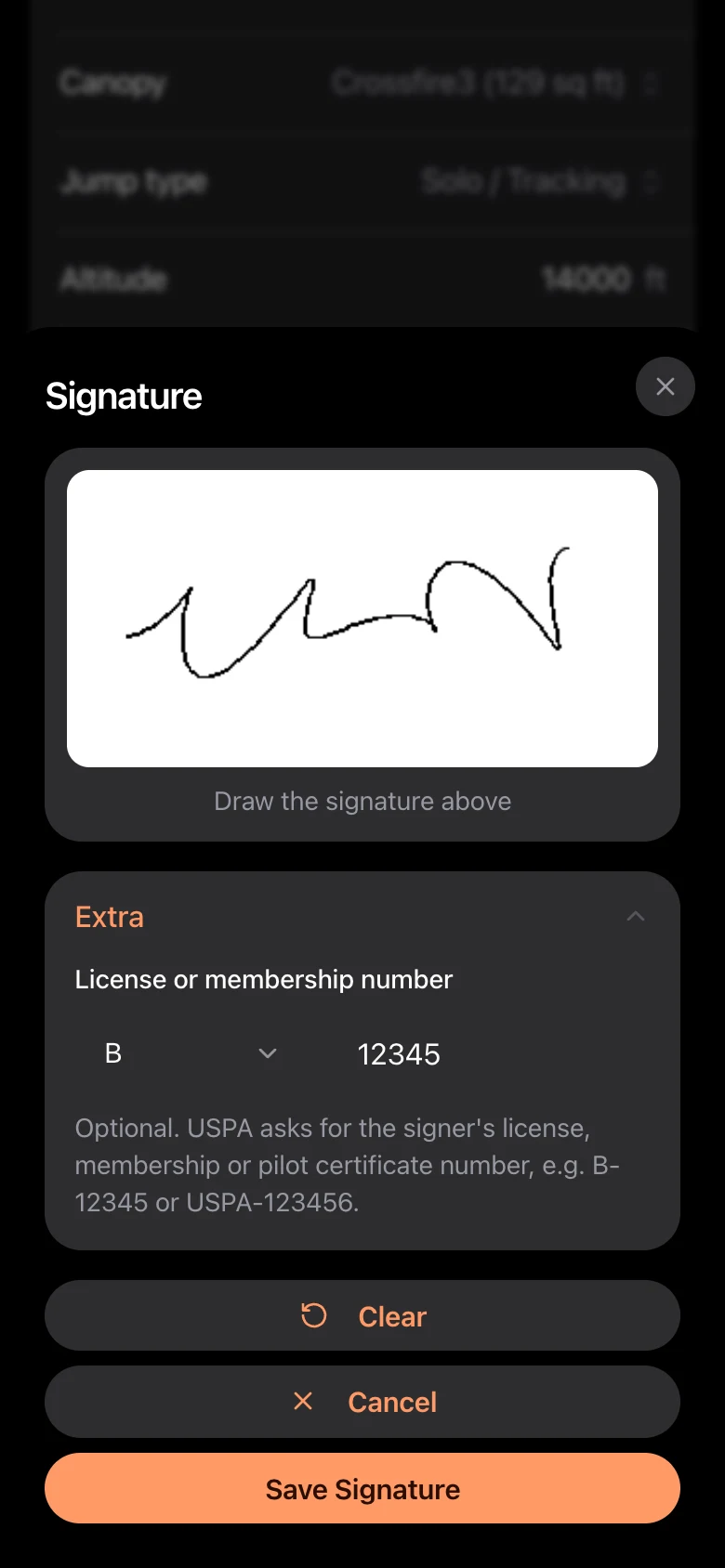
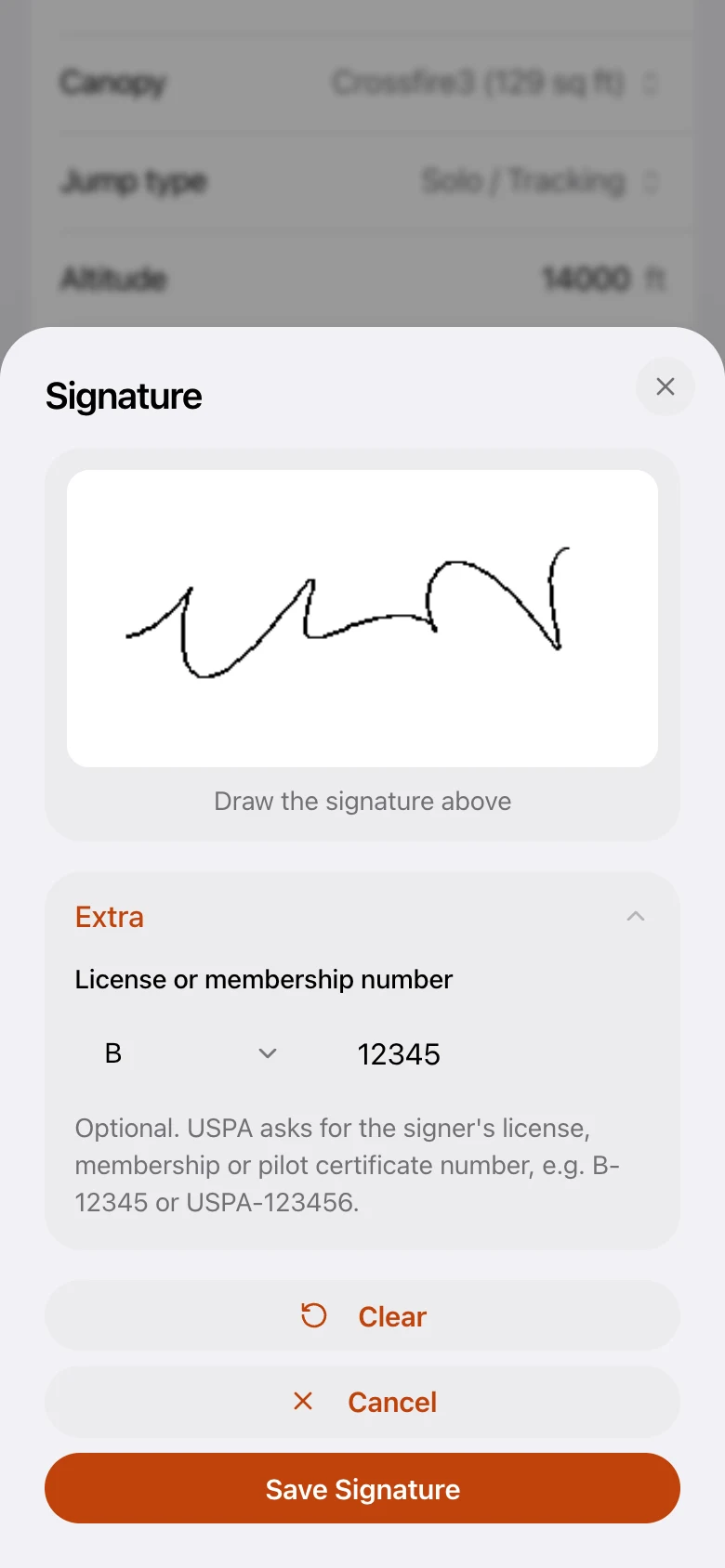
- A verifying signature with the signer's license, membership or pilot certificate number.
Who can sign, and what a signature must include
For jumps counted only toward a jump-number requirement, a witness signs: another licensed skydiver, a pilot, or a USPA Instructor, Examiner, S&TA or board member. For skill requirements such as accuracy landings, formations and D-license skills, a USPA Coach, Instructor, Examiner, S&TA or board member signs. Licenses are verified by an Instructor, Examiner, S&TA or board member, and D licenses by an S&TA or board member. You can never sign your own jumps.
- A signer can draw their signature on your screen, or you can send a signature request to another Loggbok user, like asking someone to sign your paper logbook.
- The signer adds their license, membership or pilot certificate number, such as B-12345 or USPA-123456. It is saved with the signature and pre-filled for people who sign often. USPA also asks coaches, instructors and other officials to add their rating and expiry year, such as Coach 2026, which they can do in the same field.
- A signed jump is locked. Changing it removes the signature, so a signature always matches what was logged, and you can ask for a new one while you edit.
- Loggbok does not decide who is qualified to sign which jump. That is up to you and the person you ask.
Showing your logbook to a verifier
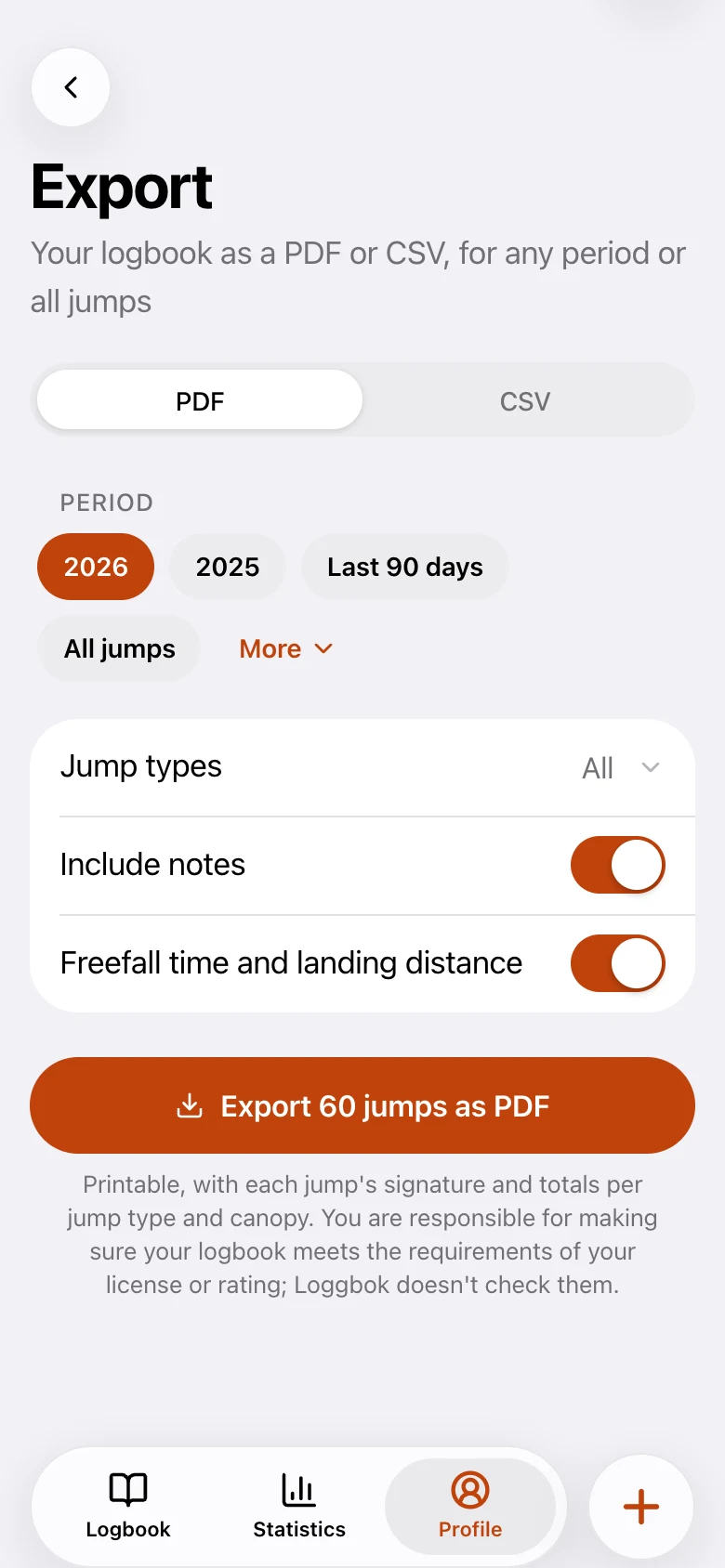
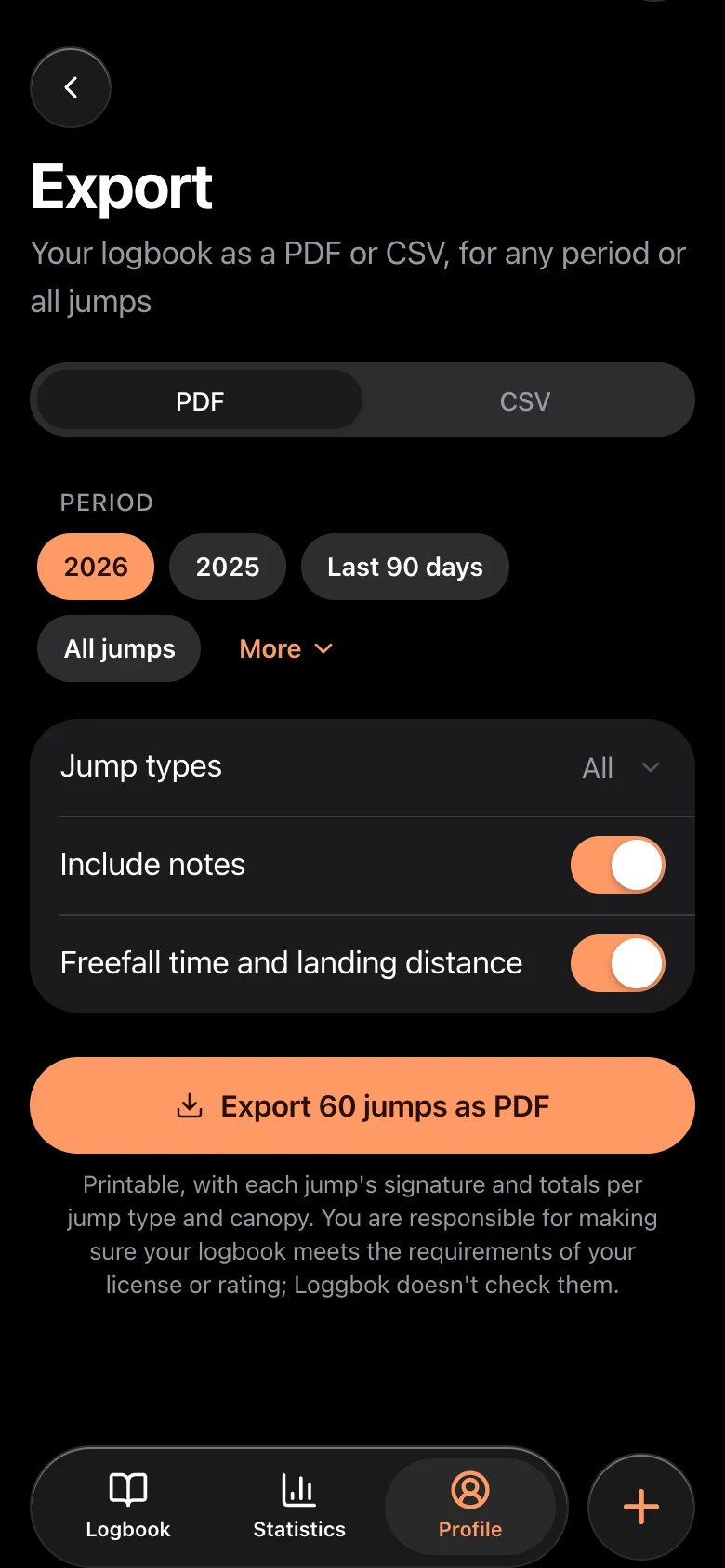
Whoever verifies a license application has to go through the jumps you logged. In Loggbok you can search and filter your logbook, see at a glance which jumps are signed, and export a PDF of any period or jump type to hand over or print. PDF export is part of Premium.
Keep your own backup
Your logbook is the proof of your experience, so treat it like one. Loggbok syncs to your account, but it is smart to export a PDF now and then and keep it somewhere of your own.
You are still responsible
Loggbok is built to hold the information the SIM asks for. USPA reviews of logbook apps are informational, and the final judgement on a license application is made by the USPA official who verifies it. Other organizations and countries set their own requirements. You decide what to log, who signs, and whether your logbook meets the rules for your license or rating, so read the current SIM chapter 3 at uspa.org.
Loggbok is free to start on iOS, Android and the web. Digital signatures and signature requests are free. PDF export is part of Premium.
Frequently asked questions
- Can I use a logbook app for a USPA license?
- Yes. The USPA SIM says a digital device can be used instead of a paper logbook, as long as it contains the required information, including a signature verification. The USPA official who verifies your application reviews the jumps logged in the app.
- What does a USPA logbook entry have to include?
- Jump number, date, location, exit altitude, freefall time, type of jump, landing distance from the target, equipment used and a verifying signature with the signer's license, membership or pilot certificate number. Check the current SIM chapter 3 for the exact wording.
- Who can sign my jumps?
- For jump numbers, a witness such as another licensed skydiver or a pilot. For skill requirements, a USPA Coach, Instructor, Examiner, S&TA or board member. You can't sign your own jumps. You are responsible for asking someone who is qualified.
- Does Loggbok guarantee my logbook is accepted for a license?
- No. Loggbok holds the information the SIM asks for, but the USPA official who verifies your application makes the final call, and you are responsible for meeting the requirements for your license or rating.