
What to record after every jump
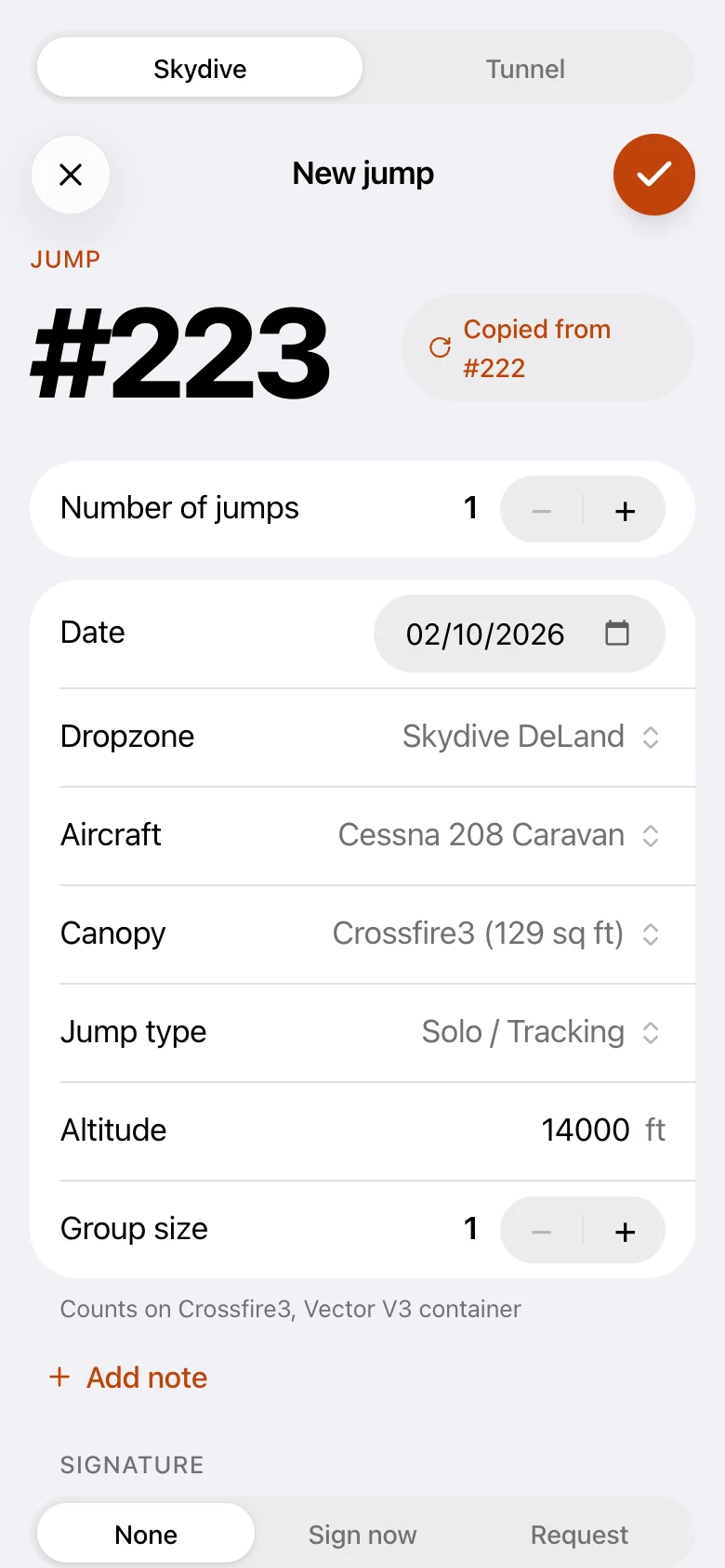
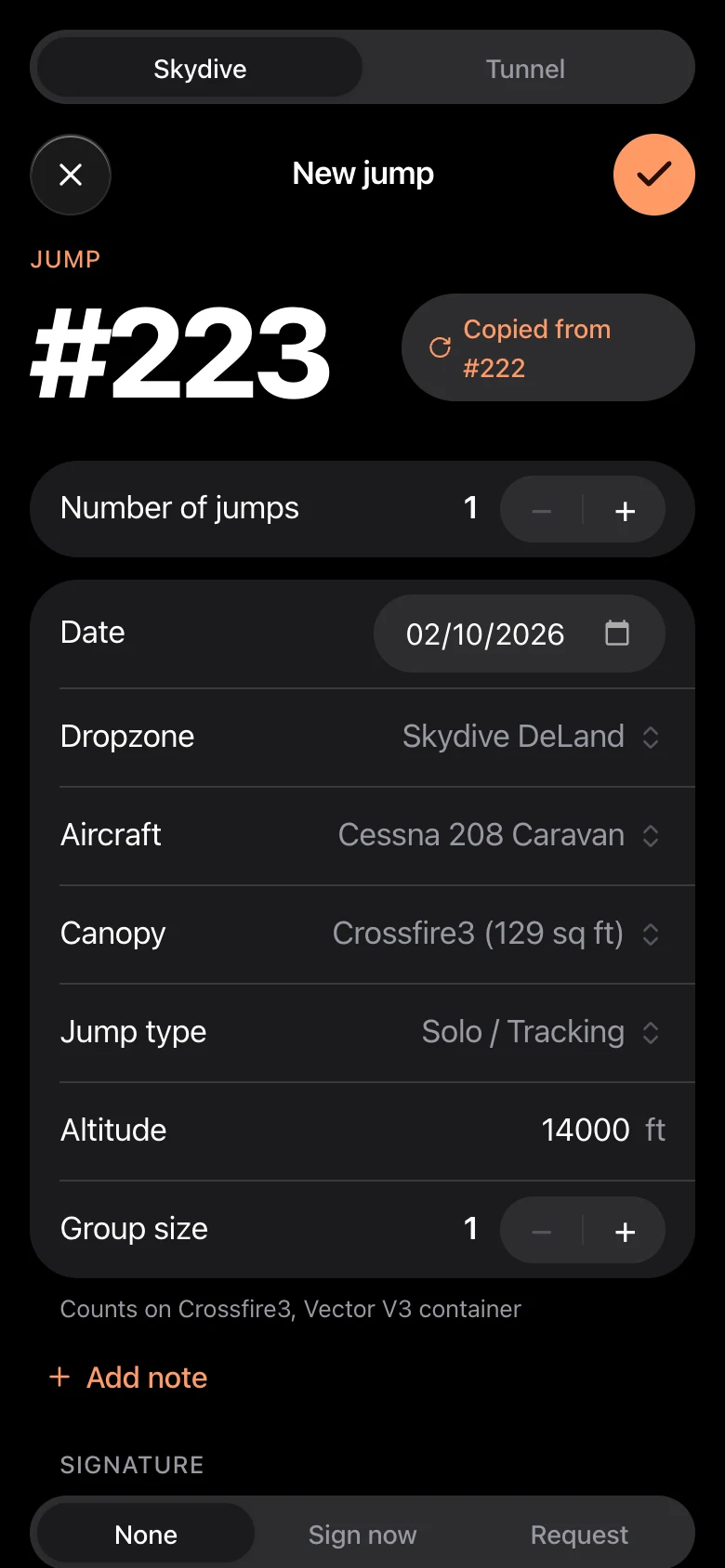
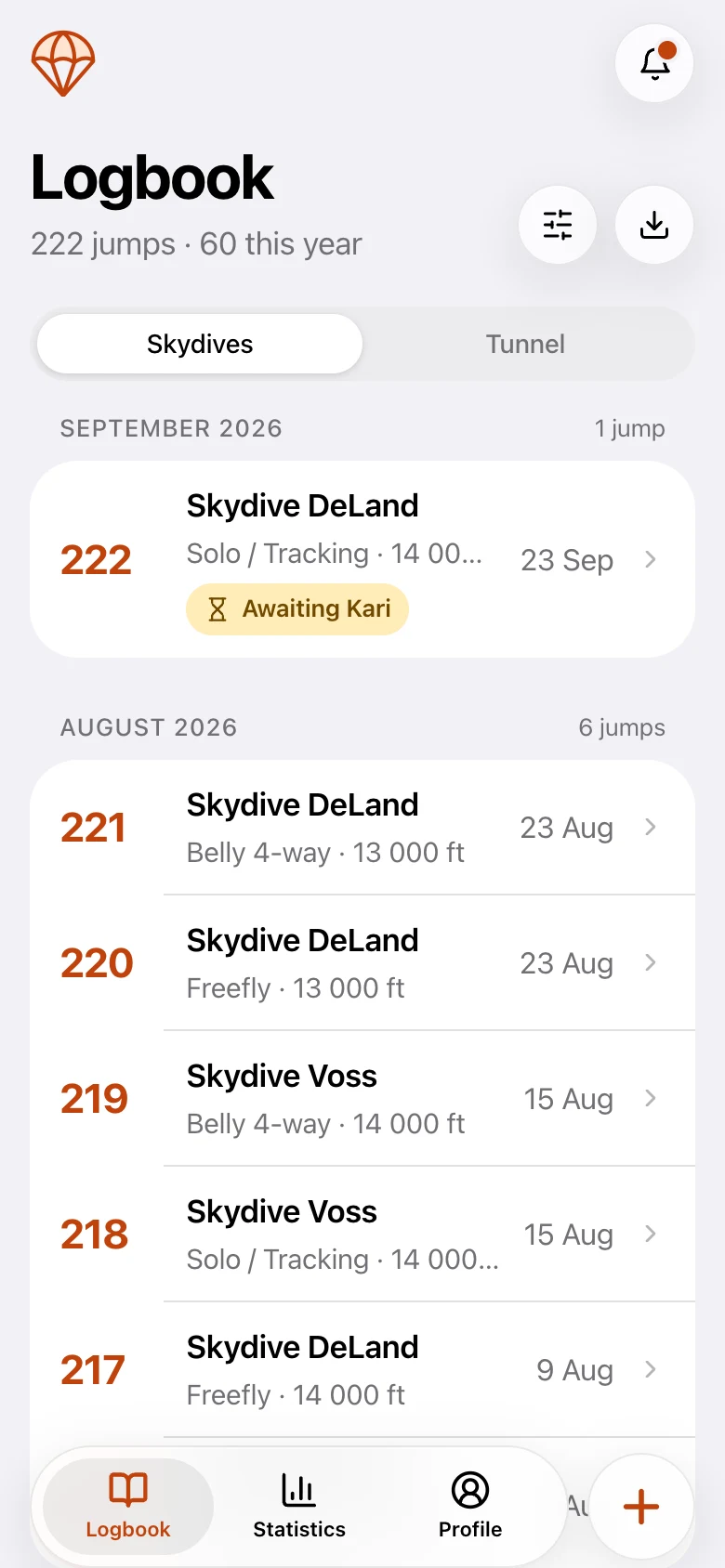
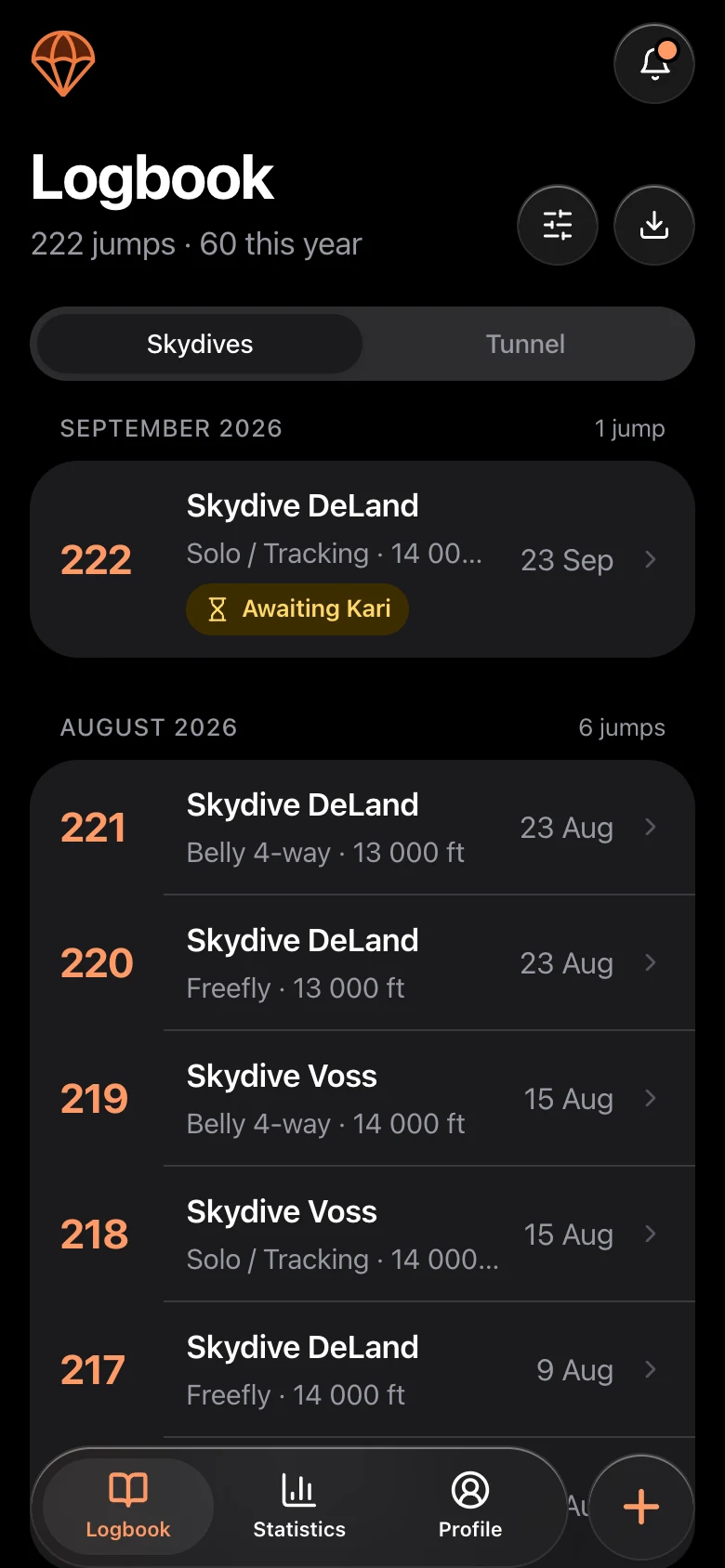
Keep each entry short and consistent. These are the fields most jumpers record:
- Jump number and date
- Dropzone
- Aircraft
- Exit altitude
- Jump type, for example belly, freefly, wingsuit, coaching or canopy skills
- Canopy and its size
- Freefall time, if you track it
- Notes: what you worked on, what went well, what to fix next time
- A signature from your instructor, coach or a fellow jumper when the jump needs one
The notes are the part people skip and later wish they had kept. One line about what you were practicing makes your logbook a training diary and not just a counter.
Signatures
Student progression and many ratings rely on signed jumps. In a digital logbook you can get a jump signed on the spot: the signer draws their signature on your screen, or you send a request to another Loggbok user, just like asking someone to sign your paper logbook. Make sure the signer is qualified for what they are signing.
Keep gear and certifications next to your jumps
Your jump count is only part of the picture. It helps to track:
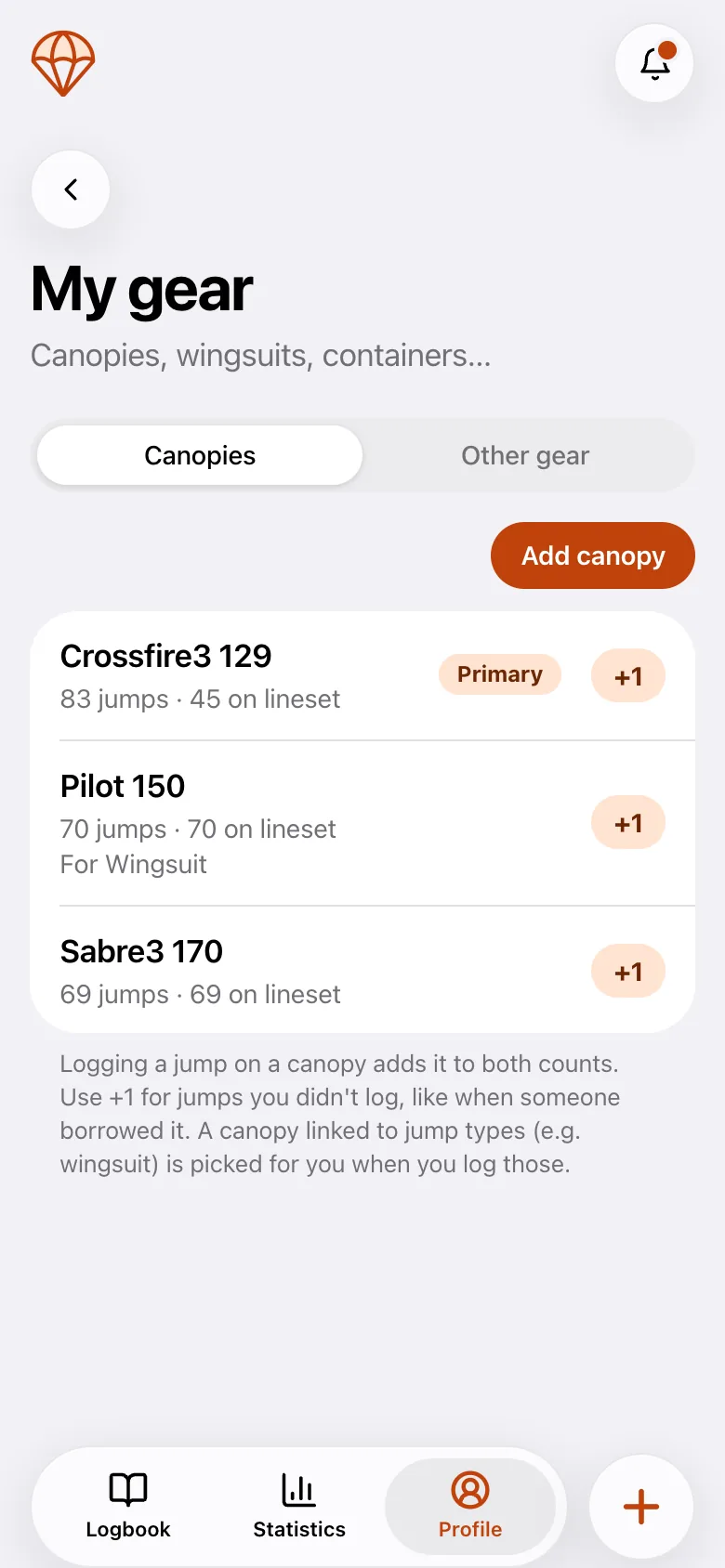
- Jumps per canopy, and jumps on the current lineset, so you know when a repack or new lines are due
- Licenses, ratings and certifications, with issue and expiry dates
- Tunnel sessions, kept separate from your skydives but in the same place
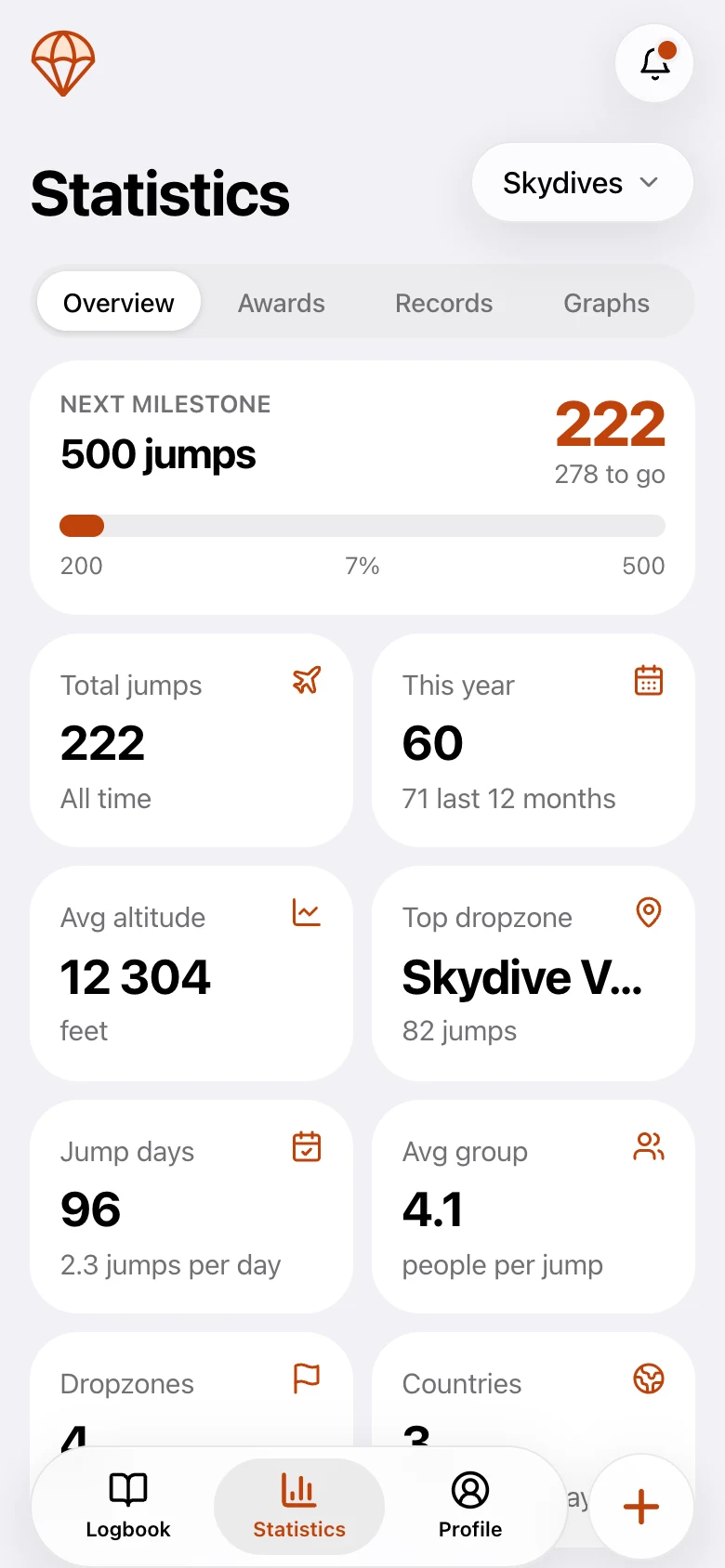
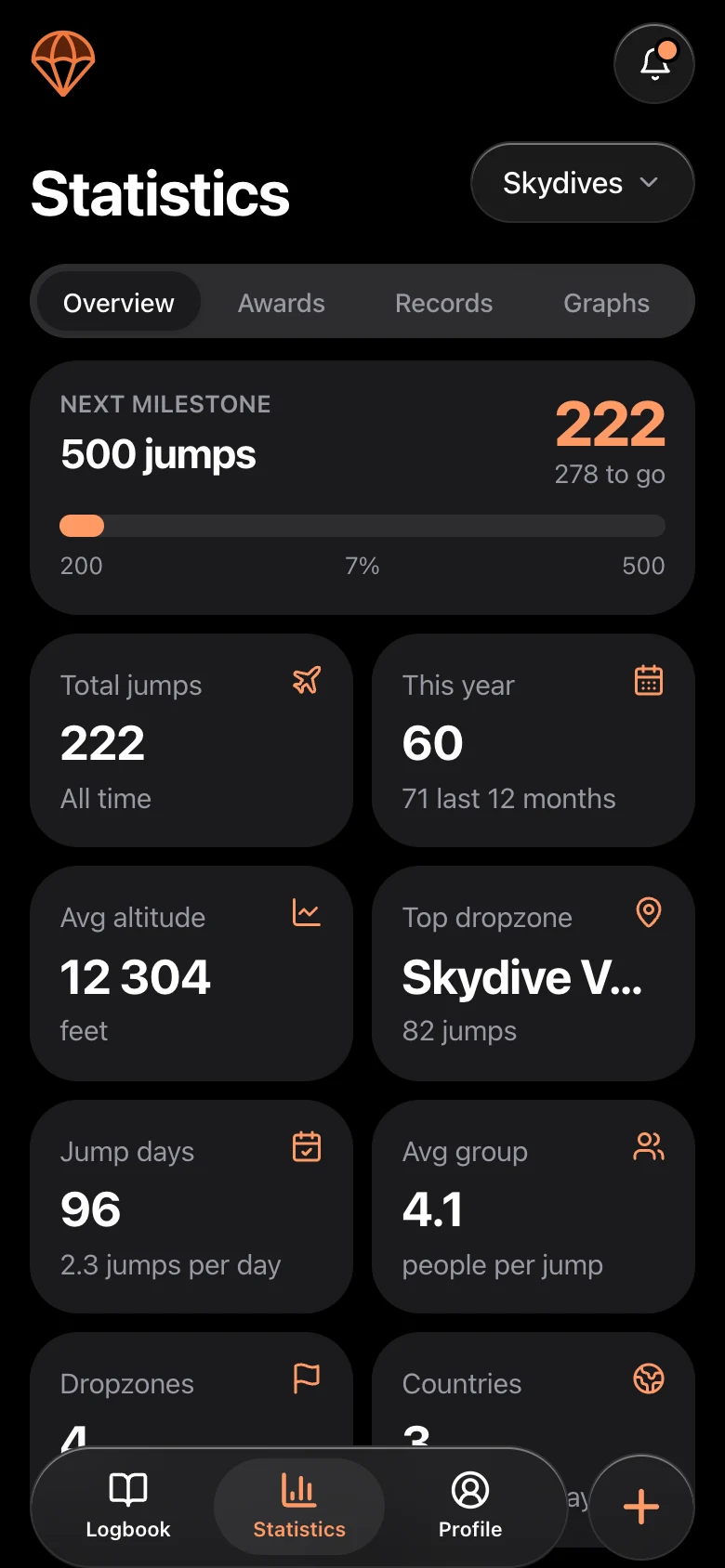
Turn your jumps into statistics and a canopy history
A digital logbook does more than store jumps. Because every jump records its canopy, dropzone, jump type and date, the logbook can work out the rest for you:
- How many jumps you have made, and how your jumping has changed over the months and years
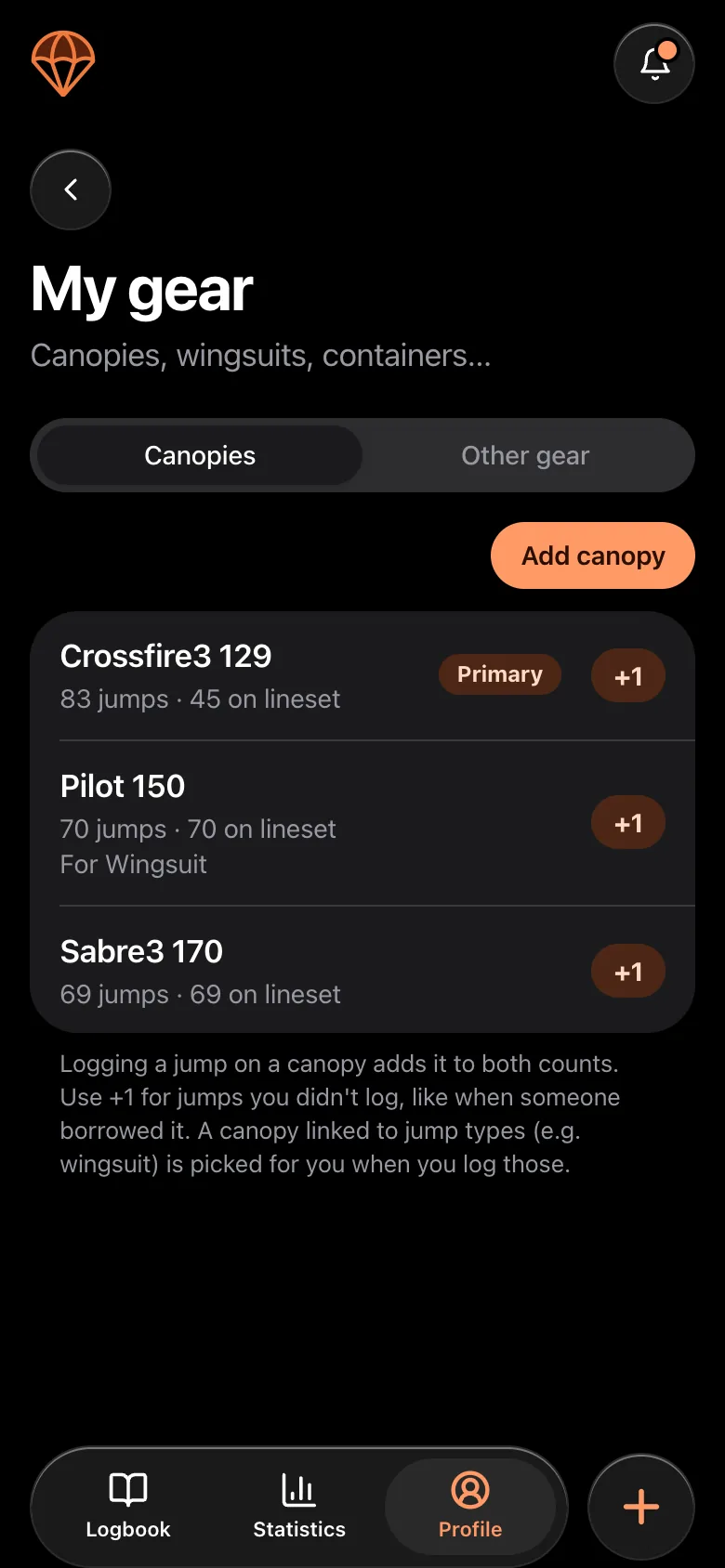
- Jumps on every canopy and lineset, so you can see what you have flown and how your experience built up on each size
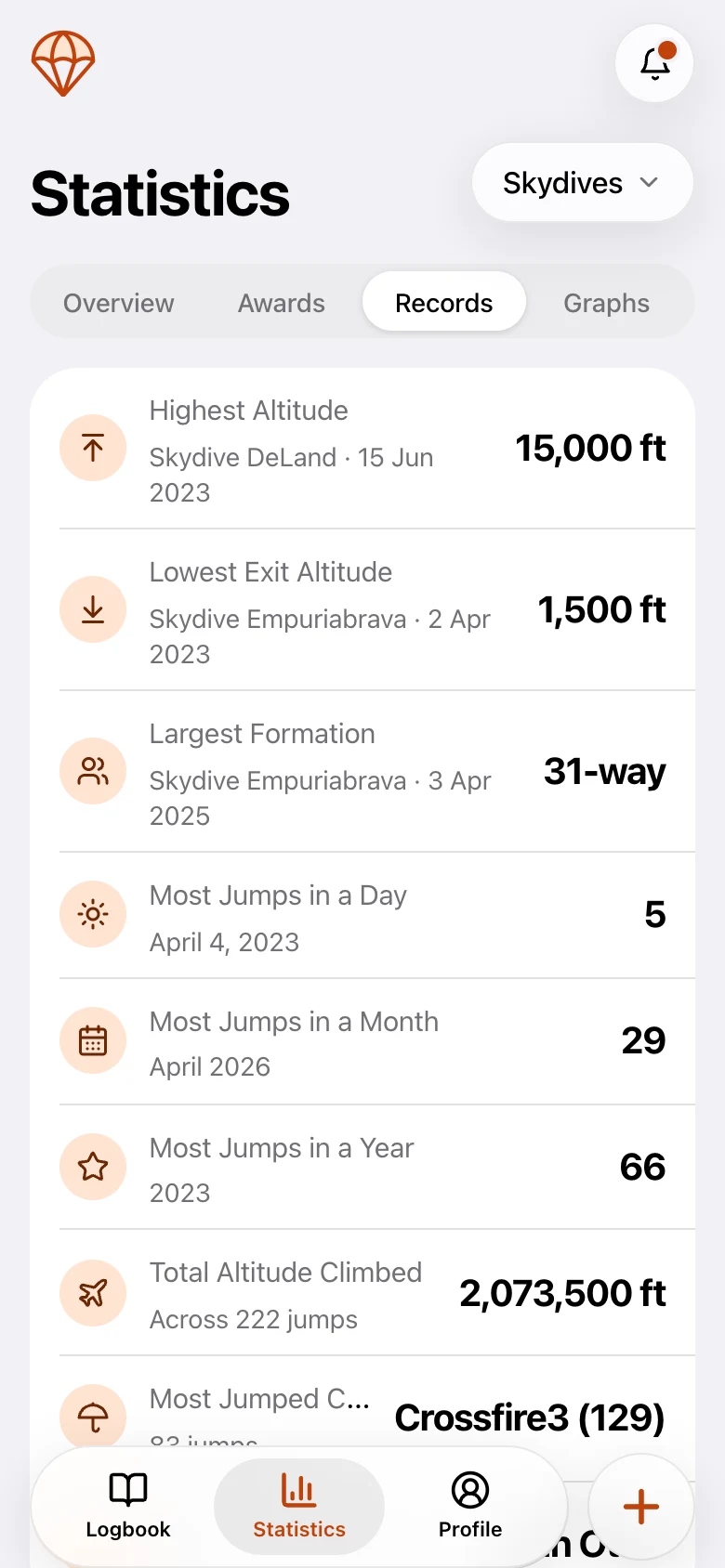
- Personal records, awards and graphs of your progress (advanced statistics are part of Premium)
- A dated history you can show an instructor or coach when you talk about your canopy progression
On paper you would have to count that by hand. Digitally it builds itself, one jump at a time, and it is there the day you want to look back.
Habits that make it easy
- 1Log the jump the same day, while you still remember it.
- 2Copy details from your previous jump and change only what differed. Most of a day's jumps share the same dropzone, aircraft and canopy.
- 3Get signatures at the dropzone, not weeks later.
- 4Back it up. A digital logbook that syncs is safe when your gear bag gets wet. For old paper pages, take a photo of every signed page.
Why go digital
A digital logbook is searchable, backed up and does the arithmetic for you: totals, jumps per canopy, tunnel time, awards and personal records. It is in your pocket at the dropzone, so you can log a jump before you have packed. We go through what changes in digital vs paper skydiving logbooks.
Loggbok is a free digital skydiving logbook for iOS, Android and the web. Log jumps and tunnel time, track canopies and certifications, and get jumps signed.
Frequently asked questions
- What should a skydiving logbook include?
- At minimum: jump number, date, dropzone, aircraft, exit altitude, jump type, canopy and size, and notes. Add a signature when the jump needs one. Many jumpers also track freefall time, gear jump counts and certifications.
- Does my skydiving logbook need to be signed?
- Jumps that count toward student progression or a rating are normally signed by your instructor or coach. Get them signed at the dropzone, on the spot, so your record is complete.
- Why should I log which canopy I jumped?
- Logging the canopy on every jump gives you jumps per canopy and per lineset, shows when a repack or new lines are due, and builds a dated history of the canopies you have flown. It is a useful record to show an instructor or coach when you talk about your next canopy.
- How long should I keep my skydiving logbook?
- Keep it for as long as you jump and after. It is the record behind your licenses, ratings and your total jump count, and it can be needed years later.