
Step by step
- 1Photograph every signed page first. Keep the paper logbook. It is your signed history.
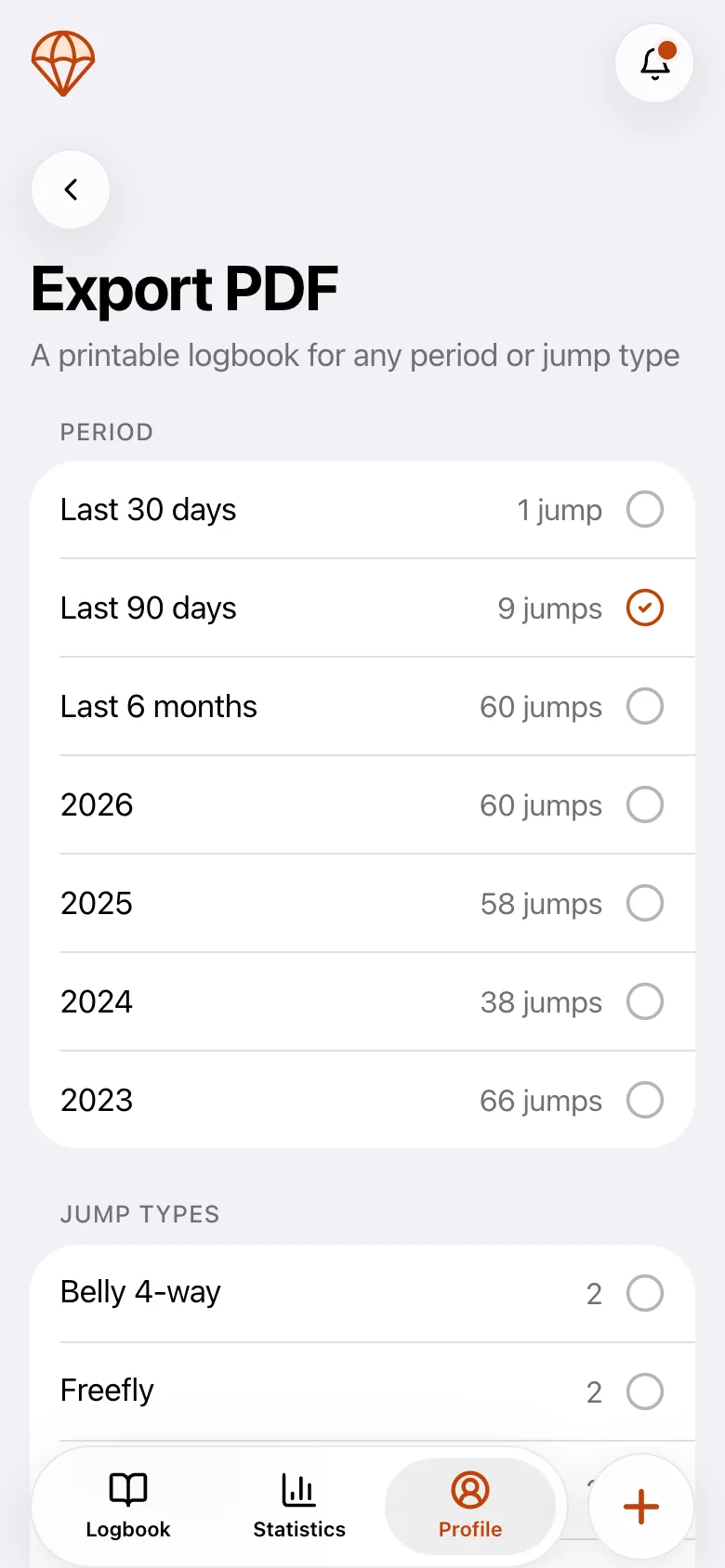
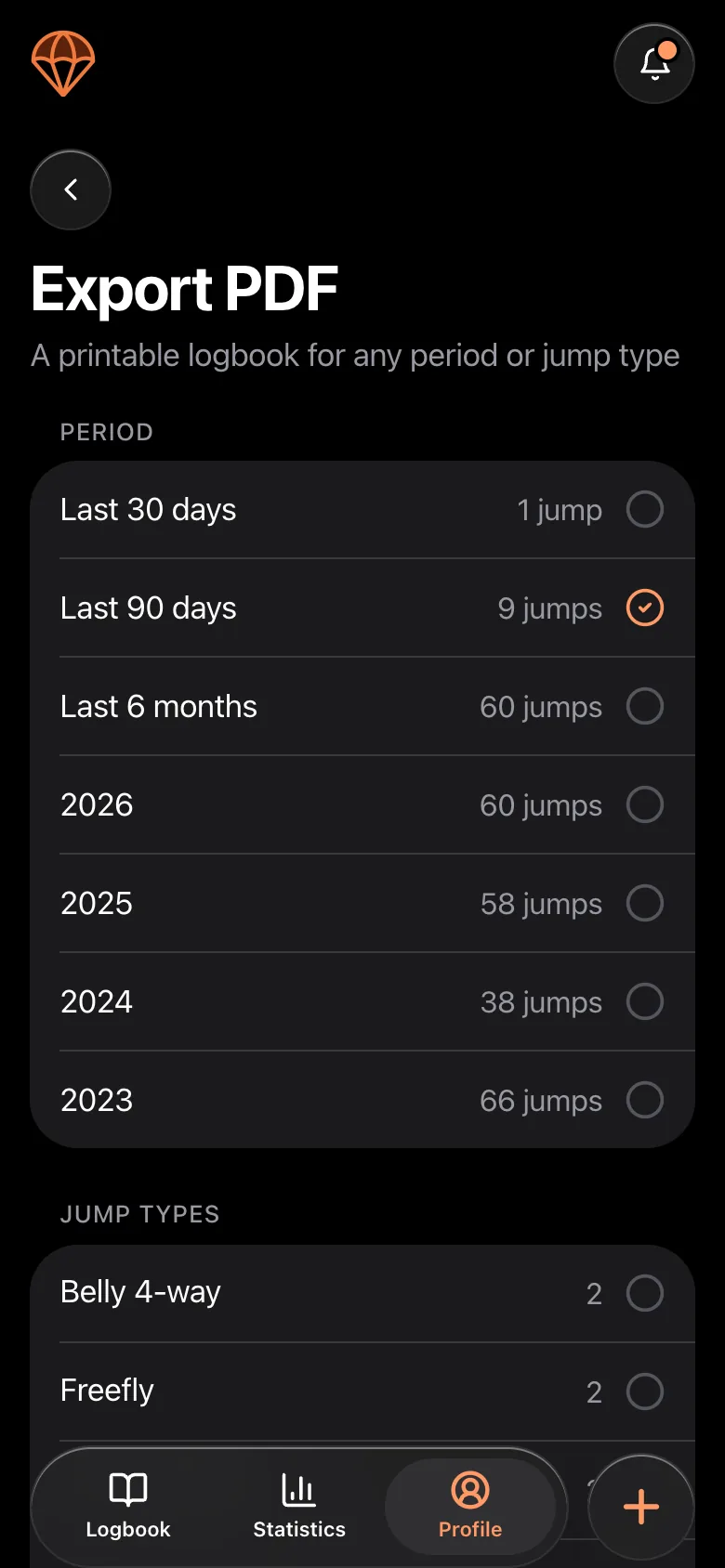
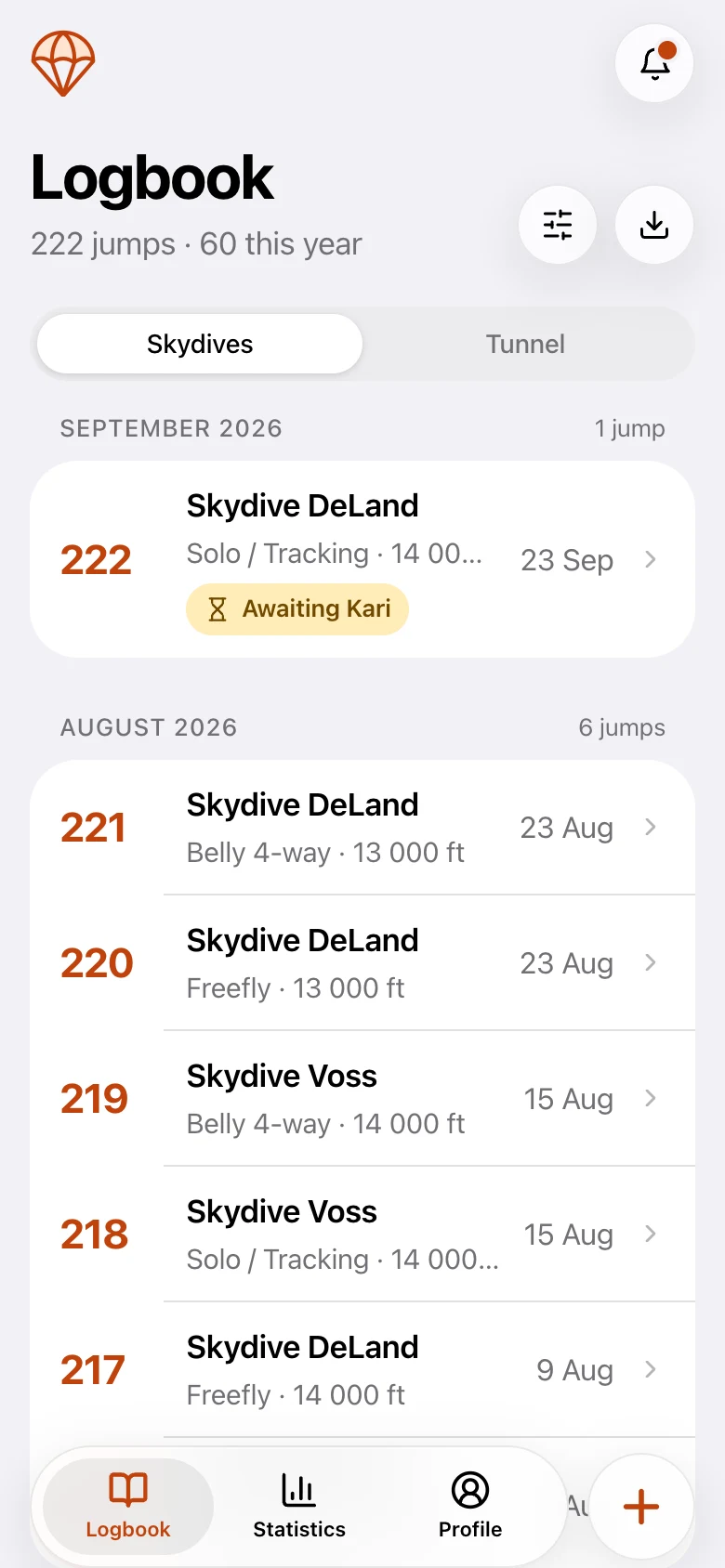
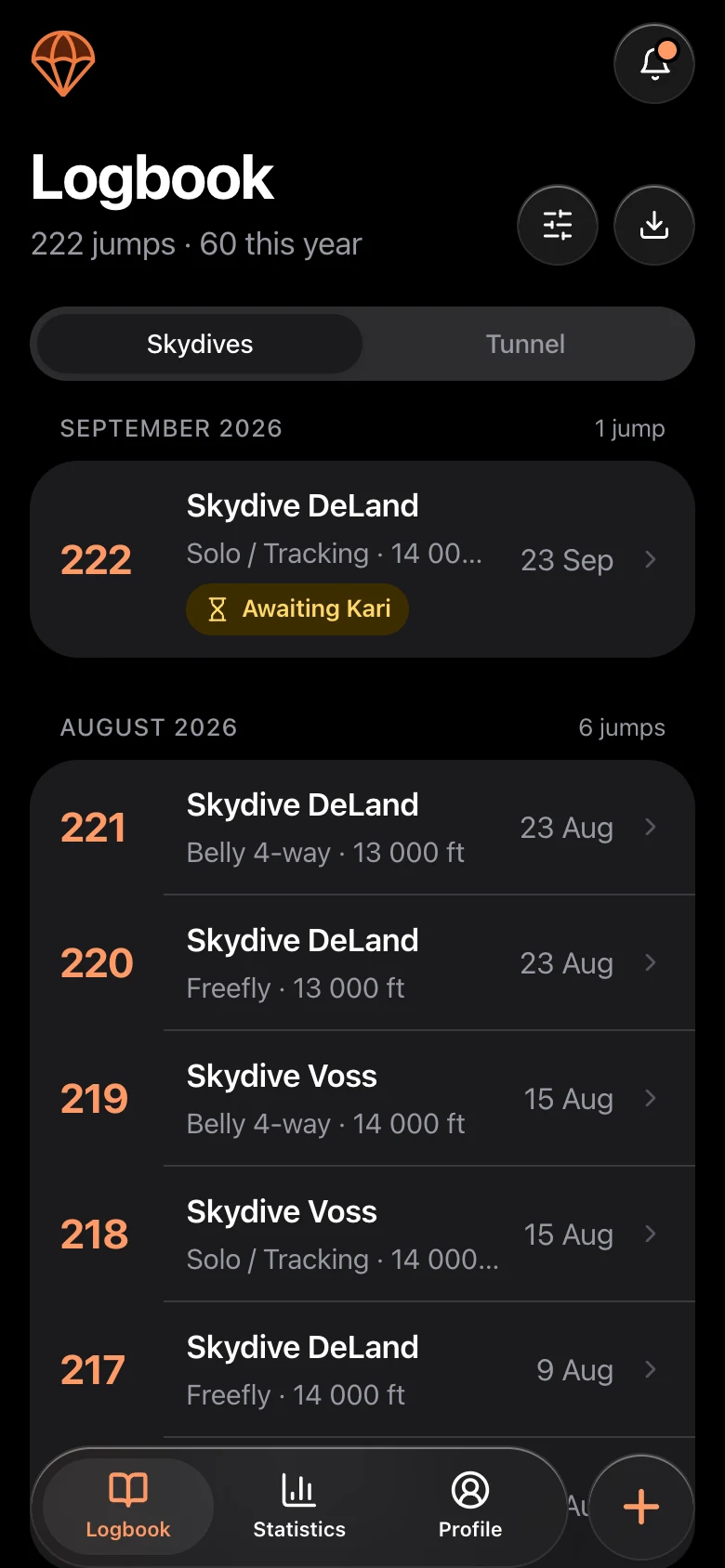
- 2Enter your most recent jumps, for example the last 20, so your current canopy, dropzone and gear are right.
- 3Record everything before that as one clearly marked summary entry or a starting total, with a note that it comes from your paper logbook.
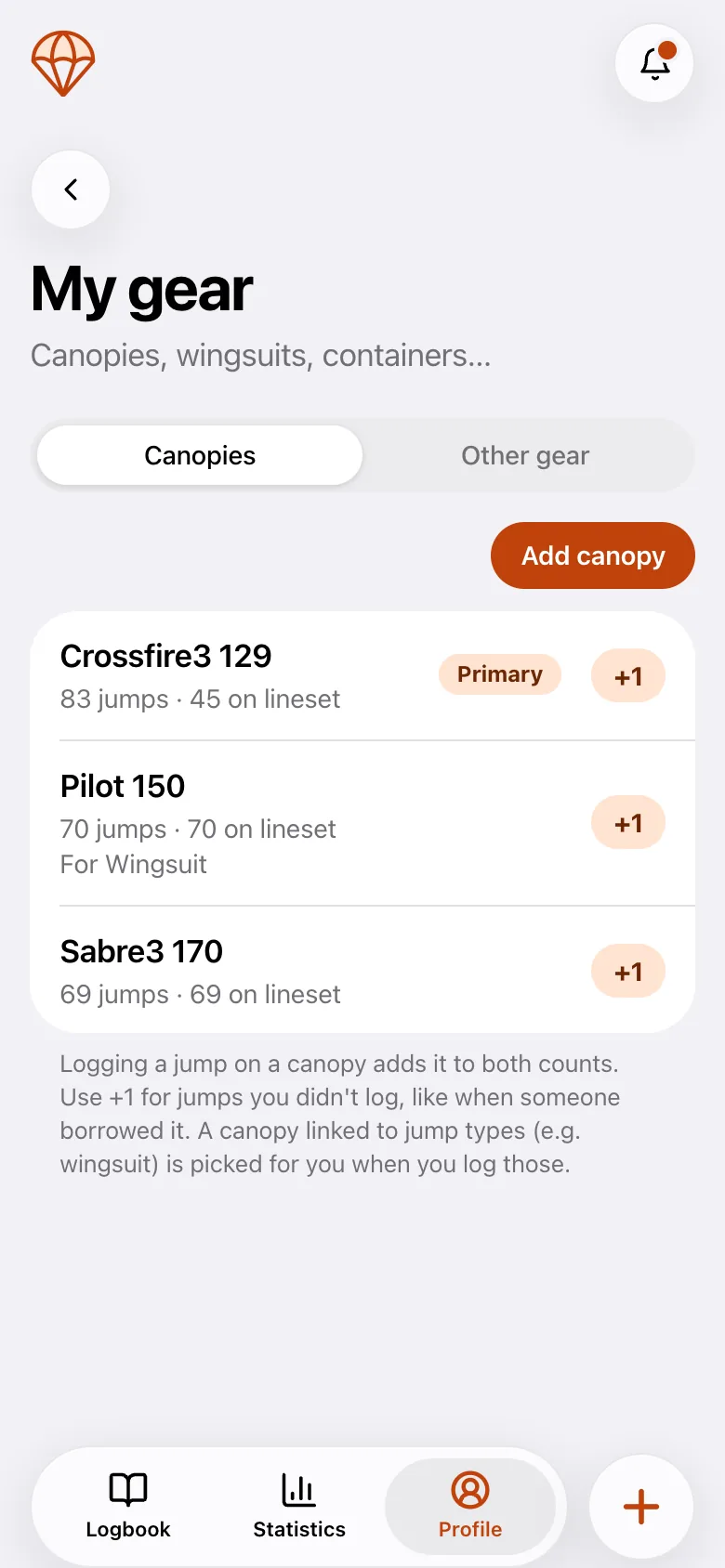
- 4Add your canopies with their sizes and their current jump counts, including jumps on the current lineset. From here on every jump adds to your canopy history.
- 5Add your licenses, ratings and certifications with issue and expiry dates.
- 6From now on, log new jumps in the app and keep the paper for the past.
Already in another digital logbook?
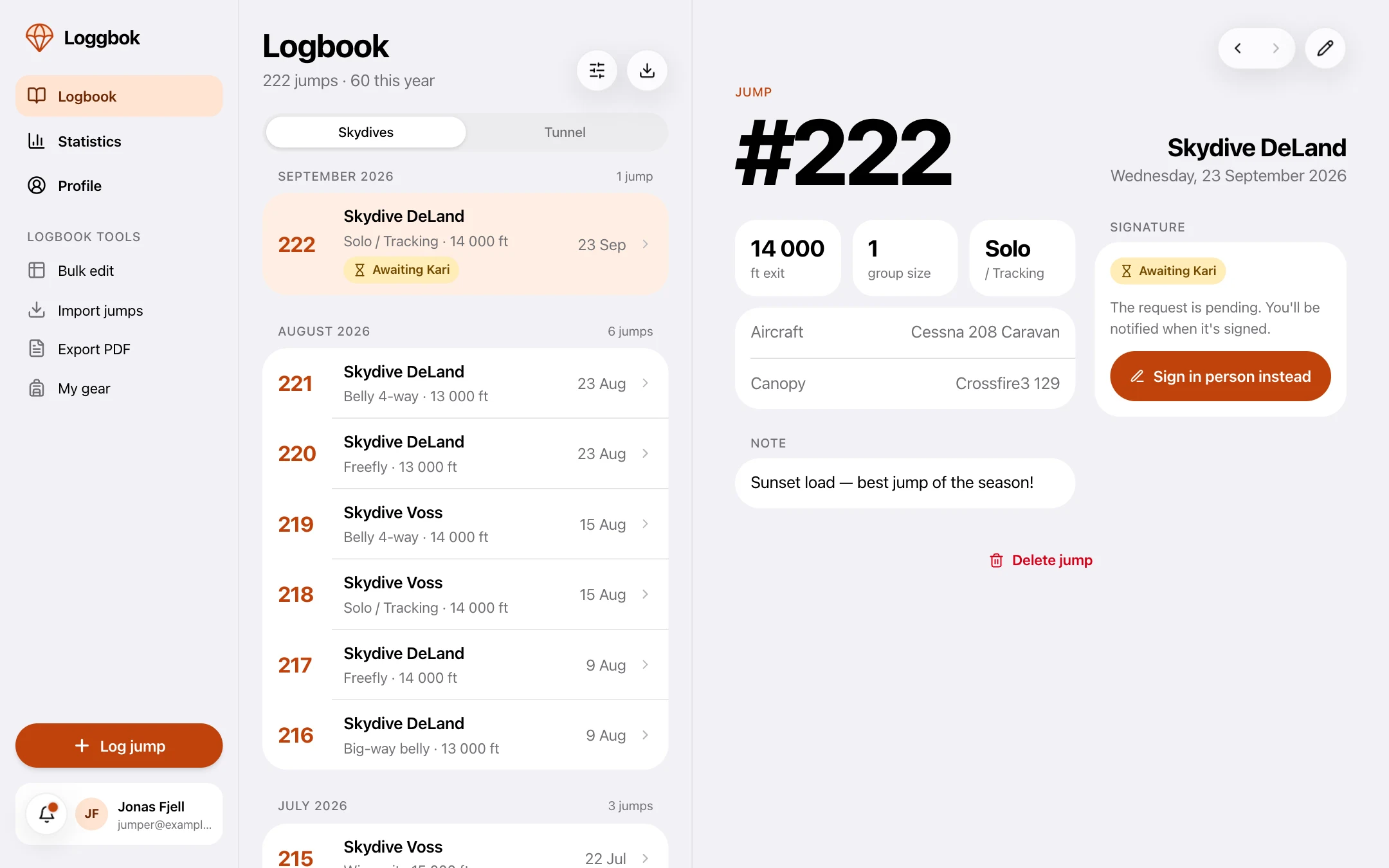
If your jumps are in Burble or Dekunu, you can import them. In Loggbok, open the web app on a computer, go to Profile and choose Import jumps, then upload a CSV export. You map the columns, check a preview and import. Importing and bulk editing are built for a large screen, so they live in the web app. Your imported jumps then show up in the iOS and Android apps as well.
Burble and Dekunu are third-party products. Loggbok is not affiliated with or endorsed by them.
loggbok.net
Tips
- Do not retype old jumps just to have them in the list. A clear starting total is enough for most purposes.
- Keep the paper somewhere dry. It is a keepsake of your first jumps.
- Check your total after entering everything so the number matches your paper logbook.
Frequently asked questions
- Can I import my existing skydiving logbook?
- Yes, from Burble or Dekunu. On a computer, go to Profile and choose Import jumps, then upload a CSV export, map the columns, check the preview and import.
- Do I have to enter all my old jumps?
- No. Enter your recent jumps for context and record the rest as one clearly marked summary entry or starting total. Keep the paper logbook for the signed history.
- Should I throw away my paper logbook after going digital?
- No. Keep it. It holds your signed history and is a keepsake of your earlier jumps.